Mastering WordPress Dashicons: The Definitive Developer‘s Guide to Icon Font Mastery
Understanding the Evolution of WordPress Visual Communication
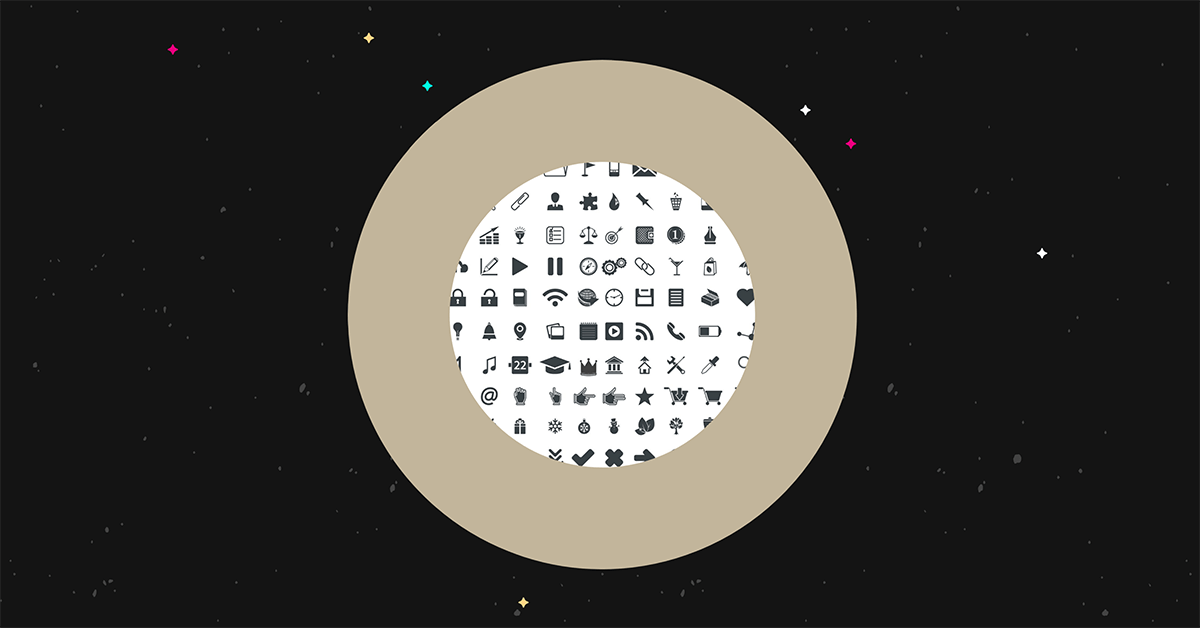
When WordPress introduced Dashicons in version 3.8, the platform fundamentally transformed how developers and designers conceptualize visual communication within web interfaces. These vector-based icons represented more than a simple graphical update—they signaled a sophisticated approach to user interface design that prioritized performance, scalability, and seamless integration.
The Historical Context of Icon Fonts
Icon fonts emerged during a critical transition in web design, bridging traditional bitmap graphics and modern vector-based solutions. WordPress recognized this technological shift early, developing Dashicons as a native solution that would become integral to the platform‘s design philosophy.
Before Dashicons, web developers relied on image sprites, PNG files, and complex CSS techniques to render icons. These methods were inherently limited—they consumed more bandwidth, required multiple HTTP requests, and often resulted in pixelated or blurry graphics on high-resolution displays.
Technical Architecture of Dashicons
Dashicons leverage Unicode character encoding and font technology to create a lightweight, infinitely scalable icon system. Unlike traditional image assets, these icons are rendered using font rendering engines, which provide several remarkable advantages.
Font Technology Fundamentals
The core innovation behind Dashicons lies in their implementation as a font file. Each icon represents a unique Unicode character, allowing developers to manipulate them using standard CSS typography properties. This approach means icons can be resized, colored, and transformed without losing visual clarity.
Key Technical Characteristics:
- Vector-based rendering
- Infinite scalability
- Minimal file size
- Cross-browser compatibility
- Native WordPress integration
Implementing Dashicons: A Comprehensive Guide
Enqueuing Dashicons in WordPress Themes
To integrate Dashicons into your WordPress environment, you‘ll need a strategic approach that ensures smooth implementation and optimal performance. The following code snippet demonstrates the fundamental method of loading Dashicons:
function load_dashicons_front_end() {
    wp_enqueue_style(‘dashicons‘);
}
add_action(‘wp_enqueue_scripts‘, ‘load_dashicons_front_end‘);
This simple function tells WordPress to load the Dashicons stylesheet, making these icons available across your website‘s frontend.
Advanced Icon Manipulation Techniques
Experienced developers can extend Dashicons‘ capabilities through sophisticated CSS and JavaScript techniques. Consider the following advanced implementation:
.custom-dashicon {
    font-family: ‘dashicons‘;
    speak: never;
    font-weight: normal;
    font-variant: normal;
    text-transform: none;
    line-height: 1;
    -webkit-font-smoothing: antialiased;
    -moz-osx-font-smoothing: grayscale;
}
Performance and Optimization Strategies
Reducing Render Blocking
While Dashicons are lightweight, they can still impact page load times if not implemented strategically. Modern web performance techniques recommend:
- Conditional loading of icon sets
- Leveraging browser caching
- Minimizing additional font loading
- Using CSS sprites for complex icon collections
Accessibility and Inclusive Design
WordPress Dashicons aren‘t just about visual appeal—they represent a commitment to inclusive design. Properly implemented icons can significantly enhance user experience for individuals with diverse abilities.
Accessibility Considerations
- Provide text alternatives
- Ensure sufficient color contrast
- Support screen reader compatibility
- Use semantic markup
Real-World Implementation Scenarios
Navigation Menu Enhancement
Dashicons excel in creating intuitive navigation experiences. By strategically placing icons, developers can create more engaging and user-friendly interfaces.
.menu-item-has-dashicon:before {
    font-family: ‘dashicons‘;
    content: ‘\f102‘;  /* Example home icon */
    margin-right: 10px;
}
Future of Icon Design in WordPress
The landscape of web design continues evolving, with icon systems becoming increasingly sophisticated. Emerging trends suggest:
- Greater SVG integration
- More dynamic icon customization
- Enhanced performance metrics
- Expanded icon libraries
Conclusion: Transforming User Interfaces
Dashicons represent more than a visual enhancement—they‘re a strategic design tool enabling developers to create more intuitive, engaging user experiences with minimal overhead.
By understanding their technical implementation and leveraging their flexibility, you can transform WordPress interfaces from merely functional to truly extraordinary.
Key Insights
- Dashicons offer resolution-independent graphics
- Native WordPress ecosystem integration
- Lightweight, performant icon solution
- Extensive customization potential
Recommended Next Steps
- Experiment with Dashicons in your current project
- Study WordPress design documentation
- Explore advanced icon manipulation techniques
- Continuously learn and adapt